

How can we help?

Ask the font experts. Get help with fonts from I Love Typography

I've forgotten my ILT account password

My Account/My Fonts

I've forgotten my ILT account password

Forgot your password... no worries...

Last updated on 28 Jun, 2021

If you have forgotten your password then all you need to do is click on the 'head and shoulders' icon at the right hand side of any ilt page, it looks like this:

Image

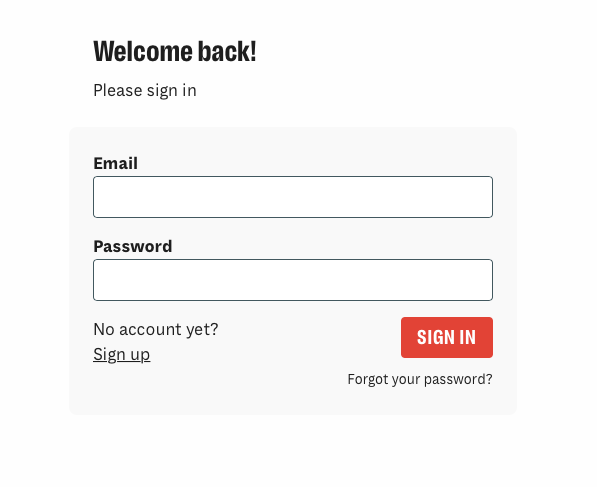
You can then click on 'Forgot your password':
Image


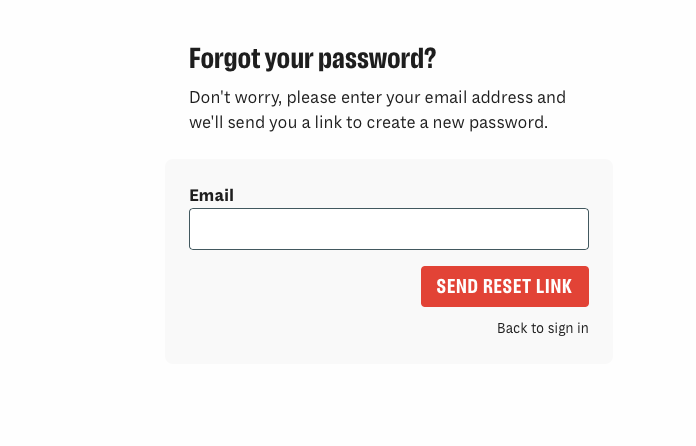
You will then be taken to this page where you can add the email address that you used when you set up your ilt account:
ImageImage
Did you find this article helpful?
Previous

Where do I find the license that applied to my font purchase?

Next